


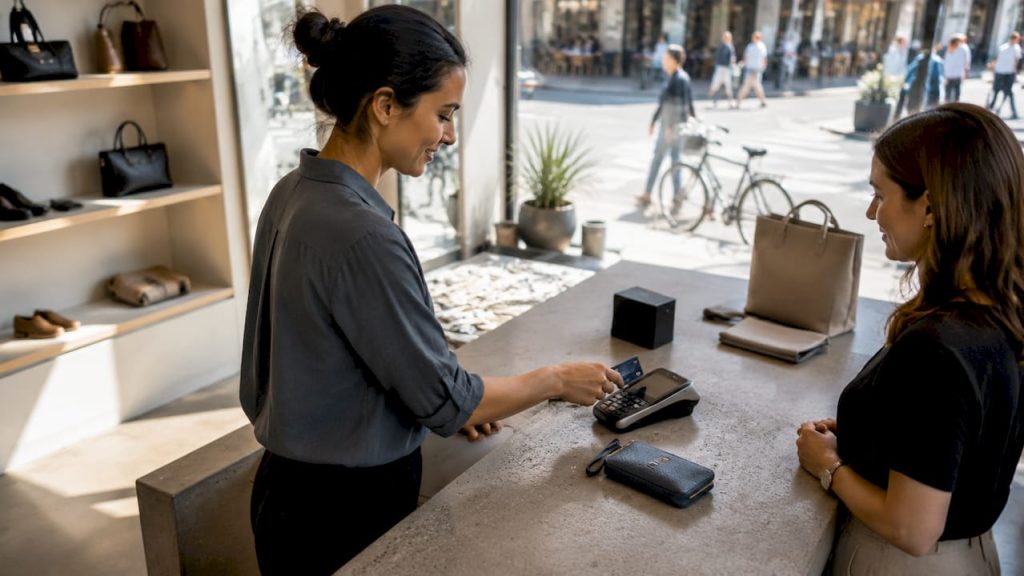
Business payment solutions are the electronic and traditional methods merchants use to accept and process funds from customers, including credit and debit cards, digital wallets, ACH transfers, and mobile payments. For small to mid-sized retail businesses in the U.S., choosing the right types of business payment solutions directly affects your revenue, customer satisfaction, and daily operations. Providers like Stripe, Square, and PayPal each offer distinct fee structures, hardware options, and integration capabilities. Getting this decision right means balancing transaction costs, settlement speed, and the payment methods your customers actually prefer.
1. What are credit and debit card payment solutions?
Credit and debit cards dominate payment volume, with credit cards accounting for 32% and debit cards for 30% of all U.S. transactions. That combined 62% share makes card acceptance non-negotiable for any retail business that wants to serve the majority of shoppers.
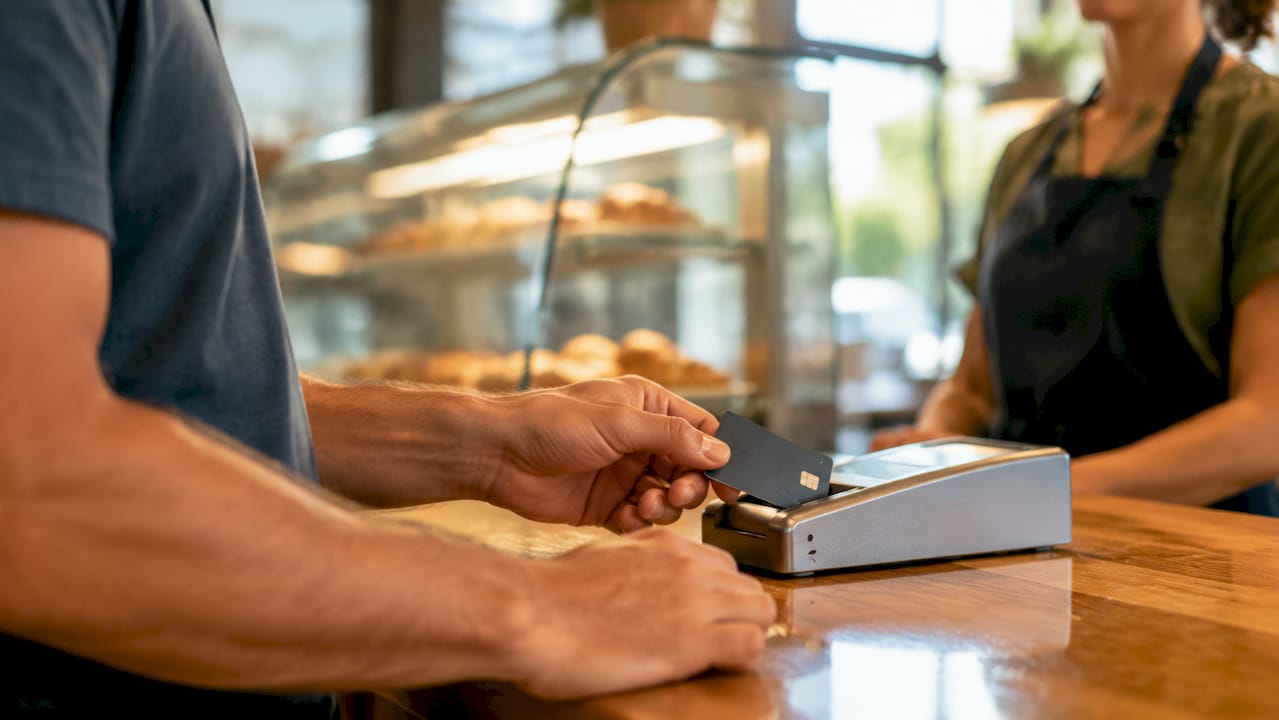
Card processing fees typically run 1.9%–3.5% per transaction, depending on the processor and card type. The cost is real, but the volume you gain by accepting cards far outweighs the fee in most retail scenarios.
Key advantages of card payment solutions include:
- Wide acceptance: Customers expect to pay by card everywhere, from boutiques to hardware stores.
- Fast settlement: Most processors deposit funds within 1–2 business days.
- Fraud protection: Chip and tokenization technology reduce chargeback exposure.
- Multiple providers: Stripe charges 2.9% + 30¢ per online transaction; Square offers 2.6% + 10¢ per swipe with free card reader hardware.
The main drawback is chargeback risk. A customer can dispute a charge, and the burden of proof falls on you as the merchant. Strong transaction records and clear return policies are your best defense.
Pro Tip: If you process a high volume of in-person sales, Square’s flat-rate swipe fee often beats Stripe’s online rate. Run the numbers against your monthly volume before committing to any processor.
2. How do digital wallets and mobile payment systems work?
Digital wallets like Apple Pay, Google Pay, Venmo, and Cash App let customers pay by tapping their phone or smartwatch at a point-of-sale terminal. These contactless payments are secure, fast, and carry no additional fees beyond standard card processing costs.
The security advantage is significant. Digital wallets use tokenization, which means the actual card number is never transmitted during a transaction. That reduces fraud risk for both you and your customer.
Mobile payment adoption is accelerating among younger shoppers. If your customer base skews under 40, not accepting Apple Pay or Google Pay is a real friction point that can cost you sales.
Here is what to look for when adding mobile payment systems:
- NFC-enabled terminals: Your POS hardware must support near-field communication to accept tap payments.
- ecommerce integration: Platforms like Shopify and WooCommerce support Google Pay and Apple Pay at checkout natively.
- Peer-to-peer options: Venmo and Cash App work well for informal or pop-up retail settings.
- No extra setup fees: Most processors activate digital wallet acceptance automatically on compatible hardware.
Pro Tip: Display Apple Pay and Google Pay logos at your checkout counter. Customers who see familiar payment icons convert faster and abandon fewer transactions.
3. What are ACH transfers and when should retailers use them?
ACH (Automated Clearing House) transfers move funds directly between bank accounts through the Federal Reserve’s payment network. ACH fees run 0.5%–1.0% per transaction, which is significantly lower than credit card rates.
That cost difference matters most for high-dollar or recurring transactions. If you run a furniture store, a home goods business, or any retail model with large average order values, ACH can save you hundreds of dollars per month in processing fees.
The tradeoff is settlement speed. ACH transfers typically take 1–2 business days to clear, compared to near-instant card authorization. For time-sensitive transactions, that delay can create cash flow gaps.
| Payment Method | Typical Fee | Settlement Speed | Best Use Case |
|---|---|---|---|
| Credit card | 1.9%–3.5% | 1–2 days | In-store and online retail |
| Debit card | 1.9%–2.5% | 1–2 days | Everyday purchases |
| ACH transfer | 0.5%–1.0% | 1–2 days | Large orders, recurring billing |
| Wire transfer | $15–$50 flat | Same day | Urgent, high-value payments |
| Check | Minimal | 2–5 days | B2B vendor payments |
ACH works best for vendor payments, payroll, and recurring subscription billing. It is less practical for impulse retail purchases where customers expect instant checkout.
4. What new and alternative payment options should retailers consider?
The payment processing landscape has expanded well beyond cards and bank transfers. Several newer business transaction methods are gaining traction in U.S. retail and are worth evaluating for your store.
- Buy Now, Pay Later (BNPL): Services like Afterpay and Klarna let customers split purchases into installments. Retailers pay a merchant fee (typically 2%–8%), but average order values often increase when BNPL is available.
- QR code payments: Customers scan a code with their phone to complete a transaction. This works well for pop-up shops, markets, and contactless checkout lanes.
- Payment links: Send a URL via text or email that takes the customer directly to a checkout page. Ideal for phone orders or remote sales.
- Real-time payments: FedNow and RTP enable instant fund settlement with fees as low as $0.01–$0.50 per transaction. Adoption is growing among banks and processors.
- Cryptocurrency: A niche option for tech-forward retailers. Processors like BitPay handle conversion to USD, removing volatility risk.
- Text-to-pay: Customers receive a payment request by SMS and complete the transaction on their phone. Reduces friction for service-based retail and curbside pickup.
The right alternative payment method depends on your customer base. A specialty electronics retailer might benefit from BNPL. A farmers market vendor is better served by QR codes and payment links.
5. How does invoicing and automation fit into your payment setup?
Invoicing is a payment solution in its own right, especially for retailers who extend credit terms to wholesale buyers or corporate clients. Automated payment reminders reduce late payments by approximately 30%. That improvement in cash flow is meaningful for any business managing net-30 or net-60 accounts.
Pairing your invoicing tool with your payment processor creates a closed loop. When a customer pays an invoice online, the funds post automatically and your accounting records update without manual entry. Tools like QuickBooks, FreshBooks, and Wave all support direct payment integration.
For retailers evaluating top invoicing tools, the key feature to prioritize is native payment gateway support. A tool that connects directly to your processor eliminates double entry and reduces reconciliation errors.
Pro Tip: Set automated reminders to send 3 days before an invoice is due, not just after it is late. Proactive reminders prevent late payments rather than chasing them.
6. How to choose the right payment solutions for your retail business
Choosing the best payment solutions for your business is not a single decision. It is a combination of methods matched to your sales channels, customer base, and operational needs. No single payment method fits every retail scenario.
Start with these evaluation criteria:
- Customer preferences: Survey your regulars or review your transaction data. If 70% of your sales are card swipes, optimize your card processing rates first.
- Fee structure vs. volume: A 0.5% difference in processing fees is negligible at $5,000 per month but significant at $100,000 per month.
- Integration with accounting software: Choosing based on fees alone ignores the hours saved when your payment data flows automatically into QuickBooks or Xero.
- Security and fraud prevention: Look for processors that offer tokenization, 3D Secure for online transactions, and chargeback management tools.
- Hardware requirements: If you run a physical store, confirm that your POS terminal supports NFC, chip, swipe, and contactless payments. Square, Clover, and Verifone all offer retail-grade hardware.
- Settlement speed: If cash flow is tight, prioritize processors that offer next-day or same-day funding.
A practical starting point for most small retailers is a flat-rate processor like Square for in-person sales, combined with a payment gateway like Stripe for online orders. As your volume grows, switching to an interchange-plus pricing model through a dedicated merchant services provider typically reduces your effective rate.
For a deeper look at what to expect from a business payment account, reviewing your options before signing any processing agreement saves you from locked-in contracts with unfavorable terms.
Key takeaways
The most effective payment setup for a U.S. retail business combines card acceptance, at least one mobile payment option, and an ACH or invoicing solution matched to your transaction volume and customer base.
| Point | Details |
|---|---|
| Cards are non-negotiable | Credit and debit cards cover 62% of U.S. payment volume, making acceptance mandatory for retail. |
| Mobile payments reduce friction | Apple Pay and Google Pay increase conversion, especially among customers under 40. |
| ACH cuts costs on large orders | ACH fees of 0.5%–1.0% beat card rates for high-value or recurring transactions. |
| Integration beats lowest fees | Connecting payments to accounting software saves more time than chasing a 0.2% fee reduction. |
| Automation improves cash flow | Automated invoicing reminders reduce late payments by roughly 30%, stabilizing monthly revenue. |
What I have learned after years of watching retailers pick the wrong payment setup
Most retail owners I talk to make the same mistake. They pick a payment processor based on the advertised rate and stop there. Then six months later they are manually reconciling transactions, fighting chargebacks with no support, and wondering why their cash flow is still unpredictable.
The rate matters. I am not dismissing it. But the difference between 2.6% and 2.9% per swipe is about $30 on every $10,000 in sales. The difference between a processor with solid chargeback management and one without can be thousands of dollars in a single disputed transaction.
What I have seen work consistently is a layered approach. Accept cards as your foundation. Add Apple Pay and Google Pay because your customers already have them set up. If you do any B2B or wholesale, add ACH for those larger orders. And connect everything to your accounting software so your books close themselves.
The retailers who get into trouble are the ones who treat payment processing as a commodity. It is not. Your payment setup affects how fast you get paid, how much you lose to fraud, and how much time your staff spends on reconciliation every week. Those are operational costs that show up in your margins whether you track them or not.
One more thing: do not ignore BNPL if your average order value is above $150. Afterpay and Klarna consistently lift conversion rates on higher-ticket items. The merchant fee is real, but so is the sale you would have lost.
— Jerry
How Cardserviceprofessionals can help you get paid faster
Choosing the right mix of payment methods is easier when you have a partner who knows the merchant services space inside and out. Cardserviceprofessionals works with some of the leading merchant service providers in the world, offering competitive rates, cash discount programs, and the full range of electronic payment options your retail business needs.
Whether you are setting up card processing for the first time or looking to reduce what you currently pay in fees, Cardserviceprofessionals gives you access to expert payment processing tailored to retail. The team handles everything from POS hardware to multi-channel payment setup, so you are not piecing together solutions on your own. Ready to see what better rates look like for your store? Start your application today and get a clear picture of what you could save.
FAQ
What are the main types of business payment solutions?
The main types are credit and debit card processing, digital wallets (Apple Pay, Google Pay), ACH bank transfers, mobile payment systems, and emerging options like BNPL and real-time payments. Most retail businesses use a combination of two or more.
Which payment solution has the lowest fees?
ACH transfers carry the lowest fees at 0.5%–1.0% per transaction, compared to credit card rates of 1.9%–3.5%. ACH is best for large or recurring transactions rather than everyday retail purchases.
How do I choose the right payment processing solution for my store?
Evaluate your customer payment preferences, average transaction size, sales channels, and accounting software before selecting a processor. Fees alone should not drive the decision; integration and support quality matter just as much.
Are digital wallets safe for retail businesses?
Yes. Apple Pay and Google Pay use tokenization, which means the customer’s actual card number is never shared during the transaction. This reduces fraud risk and chargeback exposure for merchants.
What is the difference between a payment gateway and a payment processor?
A payment gateway is the technology that captures and encrypts transaction data (like Stripe’s API). A payment processor is the company that moves the funds between the customer’s bank and yours. Many providers, including Square and PayPal, bundle both functions into one service.
Recommended
- Card Service Professionals – Credit Card Processing Experts
- Sign Up Application – Card Service Professionals
- Company – Card Service Professionals
- Blog – Card Service Professionals
