


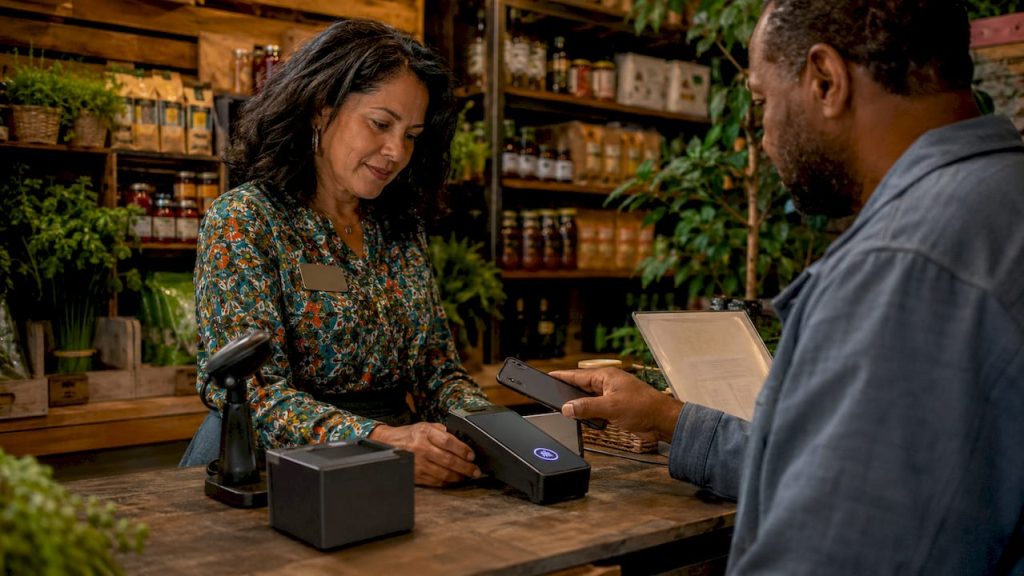
Pay by phone is defined as any payment method where a customer uses a smartphone to complete a transaction, either by tapping a contactless reader or using an app with a merchant code. The industry standard term for this category is mobile payments, and it covers everything from Apple Pay and Google Pay tap-to-pay to dedicated apps and phone order processing. For retail merchants, understanding how each method works is the difference between capturing a sale and losing it at the register.
Pay by phone explained: the two core technologies
Mobile payments run on two distinct workflows, and knowing which one fits your store determines what equipment you buy and how you train your staff.
NFC tap-to-pay is the most common method in U.S. retail. NFC stands for Near Field Communication. The customer opens a digital wallet like Apple Pay or Google Pay, holds the phone within an inch of your contactless reader, and the transaction completes in seconds. The key detail here: tap-to-pay transmits a token, not the customer’s actual card number. Your terminal never sees the raw card data, which reduces your fraud exposure immediately.
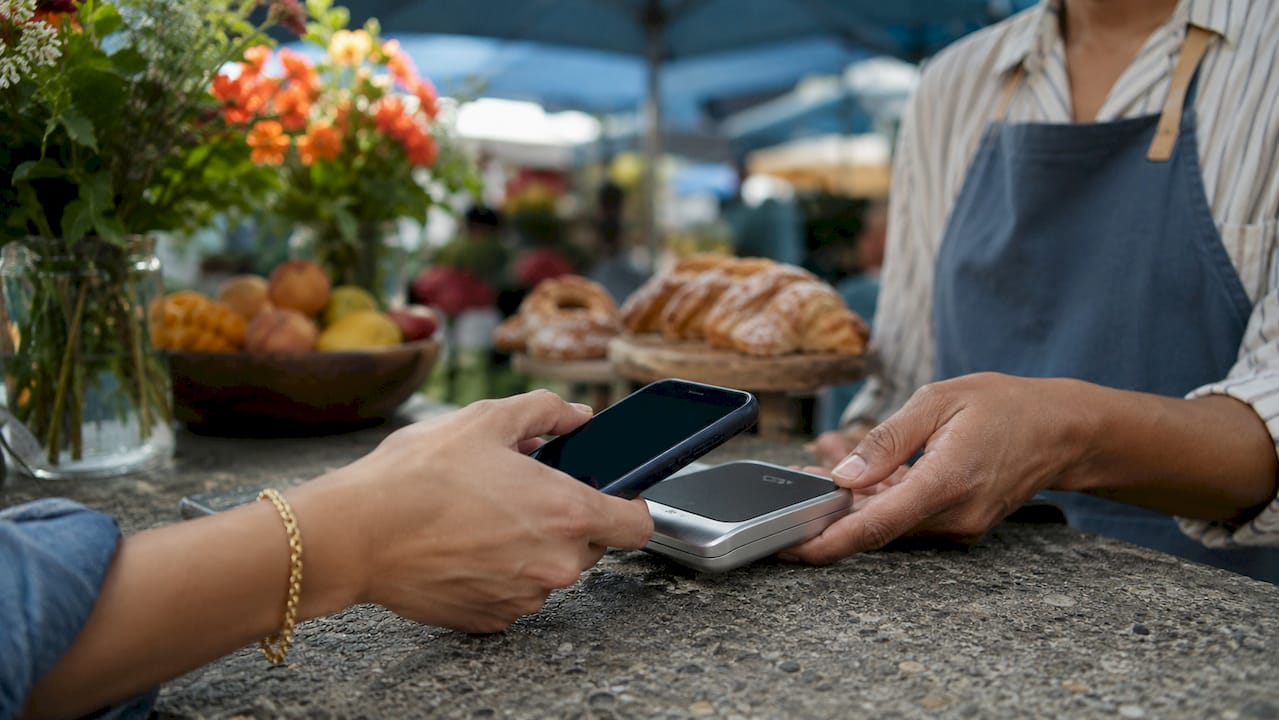
App and code-based payments work differently. The customer downloads a payment app, opens it at your location, and enters a merchant or location code displayed on your signage. This model is common in parking, transit, and service businesses, but it applies to any retail environment where you want customers to pay without a physical reader. PayByPhone-style apps require customers to enter a 4–5 digit location code, select their payment amount or duration, and receive a confirmation number. The confirmation also includes session reminders, which reduces disputes.
Here is how a standard NFC tap-to-pay transaction flows from start to finish:
- The customer selects their payment card inside Apple Pay, Google Pay, or Samsung Wallet.
- The customer authenticates using Face ID, Touch ID, or a device passcode.
- The customer holds the phone near your contactless reader until a confirmation sound or screen appears.
- Your terminal receives a dynamic cryptogram per transaction via the EMV contactless protocol, not a reusable card number.
- The payment processor approves the transaction and your POS system records the sale.
Pro Tip: If your current POS terminal does not have a contactless reader symbol (the four curved lines), you need an upgrade before you can accept NFC payments. Ask your payment processor about certified contactless hardware before assuming your setup is ready.
What makes paying by phone more secure than a card swipe?
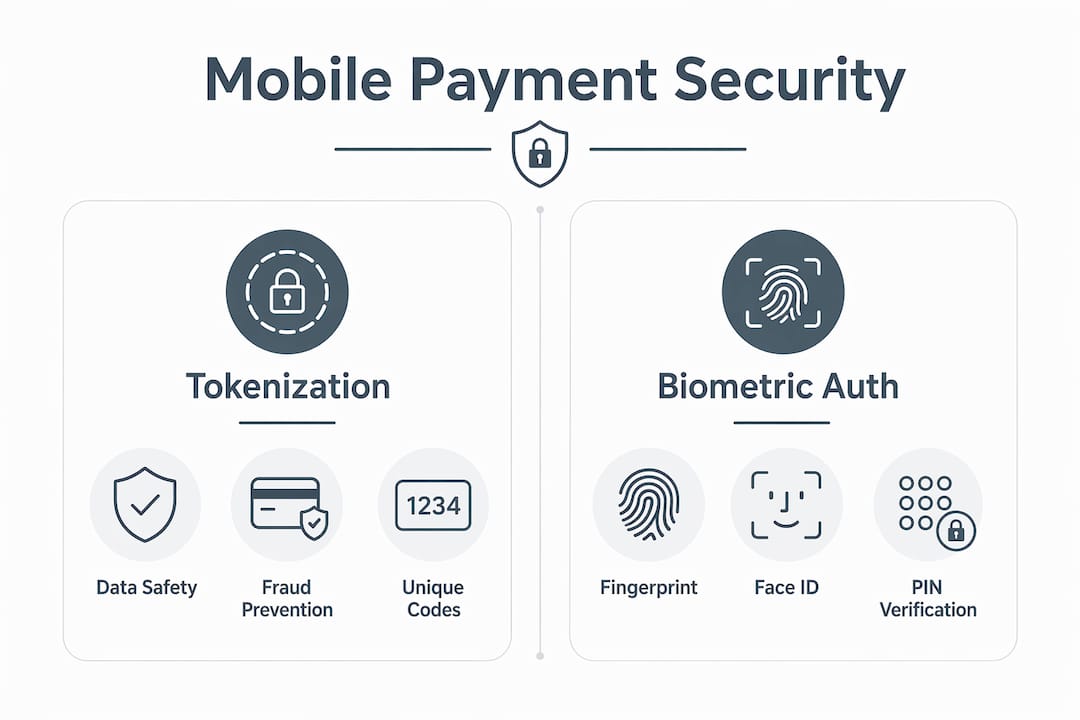
Tokenization is the core security advantage of mobile payments, and it works in your favor as a merchant. When a customer pays with Apple Pay or Google Pay, the phone’s wallet transmits a token instead of the actual card number. That token is useless outside of that single transaction. A stolen token cannot be replayed or used to make fraudulent charges, which is a direct improvement over magnetic stripe swipes.
Beyond tokenization, biometric authentication adds another layer. The customer must verify their identity with a fingerprint or face scan before the payment goes through. That step alone eliminates the risk of someone using a stolen phone to pay at your register.
For app-based payments, security compliance is equally strong. PayByPhone and similar services comply with PCI DSS standards, using encryption throughout the transaction flow. PCI DSS is the Payment Card Industry Data Security Standard, the baseline requirement for any business that processes card payments in the United States.
Here are the pay by phone security practices every retail merchant should enforce:
- Require certified contactless readers. Only use terminals that carry EMV contactless certification. Uncertified hardware can create compliance gaps.
- Post clear location codes for app payments. Prominently displayed location codes reduce misapplied payments and cut down on customer disputes.
- Train staff to never ask for card numbers verbally unless you have a certified virtual terminal for MOTO (Mail Order / Telephone Order) transactions.
- Review your PCI DSS compliance status annually. Mobile payment acceptance does not automatically make you compliant. Your entire payment environment must meet the standard.
Pro Tip: Tokenization and biometric authentication together make mobile payments statistically harder to defraud than traditional card swipes. Use that fact in your customer-facing signage to build confidence at the point of sale.
Comparing pay by phone service types for retail
Not every mobile payment method fits every retail format. The table below breaks down the four main types so you can match the right solution to your store.
| Payment Type | How It Works | Hardware Needed | Best For |
|---|---|---|---|
| NFC Tap-to-Pay | Customer taps phone to contactless reader | Contactless POS terminal | In-store retail, quick service |
| App and Code-Based | Customer enters merchant code in app | Signage with location code | Parking, service businesses, pop-ups |
| Payment Links via SMS or Email | Merchant sends a link; customer pays on phone | None (software only) | Remote orders, invoicing, curbside |
| MOTO Phone Orders | Customer reads card details verbally; merchant enters into virtual terminal | Virtual terminal or payment gateway | Phone orders, B2B sales |
MOTO transactions deserve special attention. Phone order payments involve customers providing card details verbally, with the merchant entering that information into a secure virtual terminal that communicates with the bank for real-time approval. This method carries higher interchange fees than tap-to-pay because the card is not physically present, which increases the risk profile for the processor. If your store takes a significant volume of phone orders, ask your payment provider about MOTO-specific rates.
Payment links are the fastest option to deploy. You need no new hardware. Your processor generates a link, you send it by text or email, and the customer completes payment on their phone. This works well for curbside pickup, pre-orders, and any situation where the customer is not standing in front of your register.
How retail merchants can implement pay by phone solutions
Getting set up for mobile payment acceptance is a straightforward process when you follow the right sequence. Skipping steps, especially around hardware certification and staff training, creates problems that show up later as chargebacks or failed transactions.
Follow these steps to implement pay by phone in your retail location:
- Audit your current hardware. Confirm whether your existing POS terminals support EMV contactless. If they do not, request an upgrade from your payment processor before anything else.
- Register with a payment processor that supports mobile wallets. Your processor must be certified to accept Apple Pay, Google Pay, and Samsung Wallet transactions. Cardserviceprofessionals works with leading merchant service providers that cover all major digital wallets and can help you find the right fit for your store type.
- Set up your digital wallet acceptance settings. Most modern POS systems activate contactless acceptance through a software update or settings toggle. Confirm this with your processor before your first transaction.
- Create and post location codes if you use app-based payments. Successful pay by phone implementations tie location codes explicitly to your merchant premises. Print codes clearly on signage at every payment point. Small, hard-to-read codes cause customer errors and disputes.
- Train your staff on the customer-facing flow. Staff should know how to prompt customers, troubleshoot a failed tap, and handle the rare case where a customer’s phone battery is dead.
- Understand your settlement timing. Payment timing rules vary by processor and method. Some processors settle same-day for transactions completed before a cutoff time, while weekend transactions may not post until the next business day. Know your cutoff so your cash flow projections stay accurate.
- Run test transactions before going live. Process at least one test payment through each method you plan to accept. Confirm the receipt, the settlement record, and the confirmation message the customer receives.
Clear signage is the detail most merchants underestimate. A customer who cannot find your location code or does not see the contactless symbol on your reader will default to cash or leave. Physical cues at the point of sale drive adoption faster than any other single factor.
Key takeaways
Mobile payments succeed when merchants match the right technology to their store format and back it with proper hardware, clear signage, and trained staff.
| Point | Details |
|---|---|
| Two core technologies | NFC tap-to-pay and app/code-based payments each require different hardware and setup steps. |
| Tokenization reduces fraud | Digital wallets transmit a one-time token, not the actual card number, protecting merchants from raw data exposure. |
| PCI DSS compliance is required | App-based and MOTO phone payments must meet PCI DSS standards regardless of the technology used. |
| Signage drives adoption | Prominently posted location codes reduce payment errors and disputes for app-based mobile payment setups. |
| Settlement timing matters | Know your processor’s cutoff times to avoid surprises in daily reconciliation and cash flow planning. |
Why i think most merchants are leaving mobile payments too late
I have worked with retail merchants across the U.S. for years, and the pattern I keep seeing is the same. A merchant waits until a customer asks “do you take Apple Pay?” three times in a week before they call their processor. By then, they have already lost those sales and probably a few repeat customers who went somewhere else.
The barrier is almost never cost. Contactless readers are standard on most modern terminals, and the interchange rates for NFC tap-to-pay are competitive with chip card rates. The real barrier is unfamiliarity. Merchants assume mobile payments are complicated to set up or that their customers are not using them yet. Both assumptions are wrong in 2026.
What I find actually works is treating mobile payment setup the same way you treat any other equipment decision. You assess what you have, identify the gap, and close it with the right provider. The multi-jurisdiction payment considerations that come with expanding to multiple locations add complexity, but for a single-location retailer, the setup is genuinely simple.
The merchants I have seen adopt mobile payments early consistently report fewer checkout delays and fewer chargebacks from card-present fraud. That combination improves both the customer experience and the bottom line. My advice: do not wait for customers to ask. Get the hardware certified, post the signage, and let the technology do the work.
— Jerry
How Cardserviceprofessionals can set you up for mobile payments
Cardserviceprofessionals represents some of the leading merchant service providers in the world, and mobile payment acceptance is a core part of what we set up for retail merchants every day. Whether you need a contactless terminal upgrade, a virtual terminal for phone orders, or a full POS system that handles NFC tap-to-pay and payment links, we match you with the right solution at competitive rates.
We also offer cash discount programs that can offset your processing costs while you expand your payment options. If you are ready to accept Apple Pay, Google Pay, and app-based mobile payments in your store, the next step is straightforward. Visit Cardserviceprofessionals to review your options, or go directly to our merchant sign-up page to get started today.
FAQ
What is pay by phone in retail?
Pay by phone is a mobile payment method where customers use a smartphone to complete a purchase, either by tapping a contactless reader via NFC or by entering a merchant code in a payment app. The industry term for this category is mobile payments.
How does NFC tap-to-pay protect my store from fraud?
NFC tap-to-pay uses tokenization, meaning the customer’s actual card number is never transmitted to your terminal. Each transaction uses a unique dynamic cryptogram, making stolen transaction data useless for future fraud.
Do i need special equipment to accept mobile payments?
Yes. NFC tap-to-pay requires a contactless-certified POS terminal with an EMV contactless reader. App-based and payment link methods require no new hardware but do require a compatible payment processor and clear location code signage.
What is a MOTO payment and when should i use it?
MOTO stands for Mail Order / Telephone Order. It applies when a customer reads their card details to you over the phone and you enter them into a virtual terminal. MOTO carries higher interchange fees than tap-to-pay, so reserve it for situations where the customer cannot be physically present.
How long does it take to settle a mobile payment?
Settlement timing depends on your processor and the time of day the transaction occurs. Some processors settle same-day for transactions completed before a set cutoff, while transactions processed after that cutoff or on weekends may post the next business day.
Recommended
- Card Service Professionals – Credit Card Processing Experts
- Sign Up Application – Card Service Professionals
- Company – Card Service Professionals
- Blog – Card Service Professionals
